 Siftory
Free
£0
- 100 decisions to get you started
- 30 more decisions every month
- Up to 5 Collections
- No account, no ads, nothing uploaded
Free when Siftory launches on Google Play.
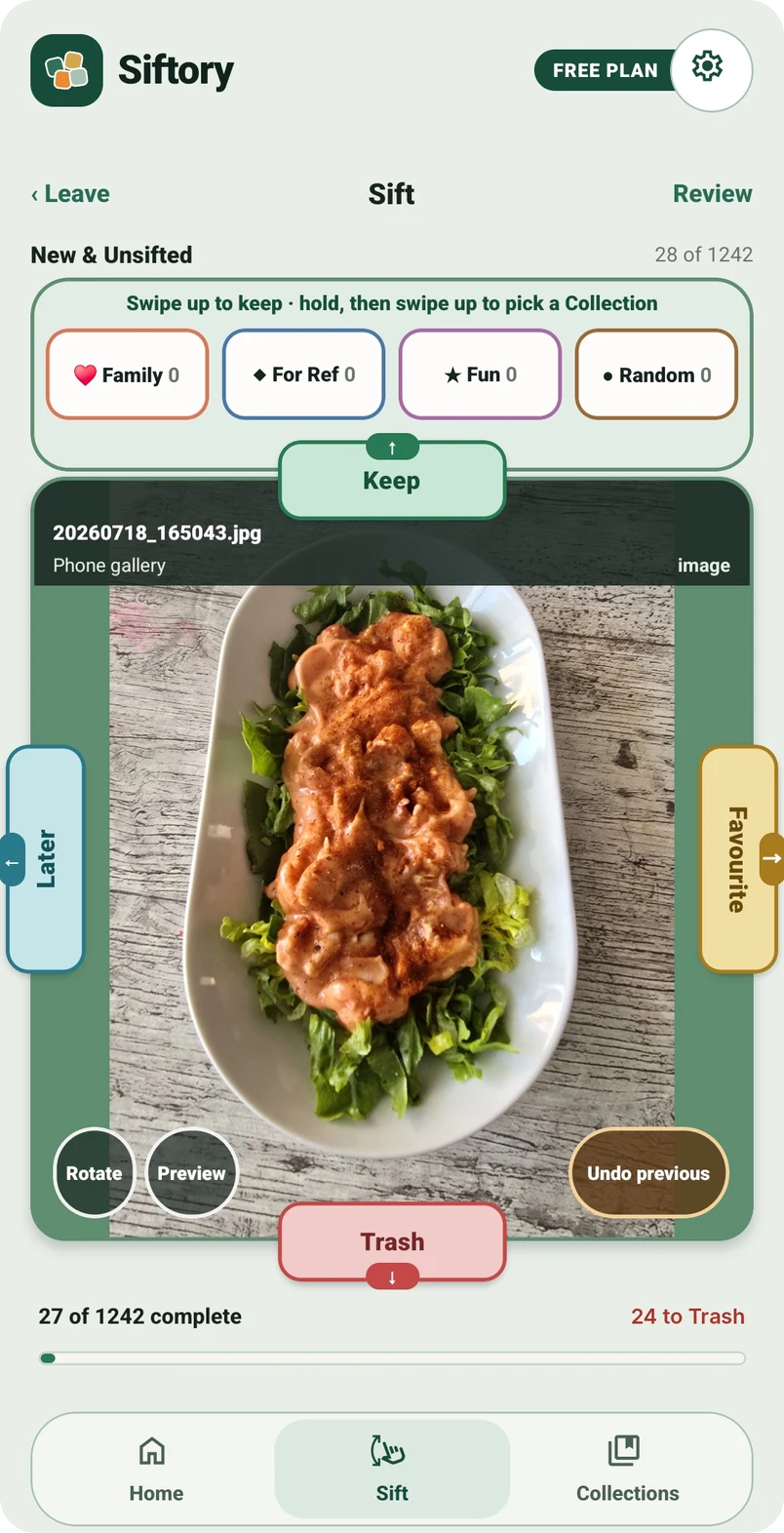
Siftory makes it easy to sift your photos and videos into real albums on your phone. Simple swipes, each set to an action you choose, keep you in control, and nothing is deleted until you say so.
Free to try. Nothing is deleted until you confirm.
A few minutes here and there is all it takes. Stop whenever you like and pick up where you left off.
Your unsorted photos and videos, one or more Collections, or a phone album such as Screenshots or WhatsApp.
Each swipe is a decision, and any decision can be undone. Prefer tapping? Tap the tabs instead.
See every decision in one place and change anything you like. Your phone only changes when you tap Complete.
Swipe the photo in any direction or tap a label. On a computer, the arrow keys work too. These are sample pictures, so nothing here touches your own photos.
Turn on JavaScript to try sorting these sample photos yourself.
0 of 8 sample photos sorted
In the app, Trash is only a pile until you review it.








That’s the whole idea. Your own camera roll works the same way, a few minutes at a time.
Make Collections for the things that matter to you, such as Holidays, Garden or Days out, and send photos to them as you swipe.
Browse newest first, just like your Gallery, and tidy up as you go.
Swiping down doesn’t delete anything. It puts the photo in a pile you can look through, change your mind about, and only clear when you’re ready.
The photo goes into Siftory’s Trash. It’s still on your phone, untouched.
See everything you’ve trashed in one place. Move anything back with a tap.
You confirm, then Android asks you to allow the change as well.
Deleted items go to your phone’s Recycle bin, where Android normally keeps them for around 30 days, so you can still restore them.
Siftory works entirely on your device. There’s nothing to sign up to and nowhere for your photos to go.
Open the app and start sorting. No email, no password, no sign-in.
No adverts and no ad tracking, in the free version or the paid one.
Nothing goes to the cloud. Siftory has no servers that store your photos or videos.
Your decisions and Collections are saved on your phone too.
The same screenshots you’ll find on Google Play.
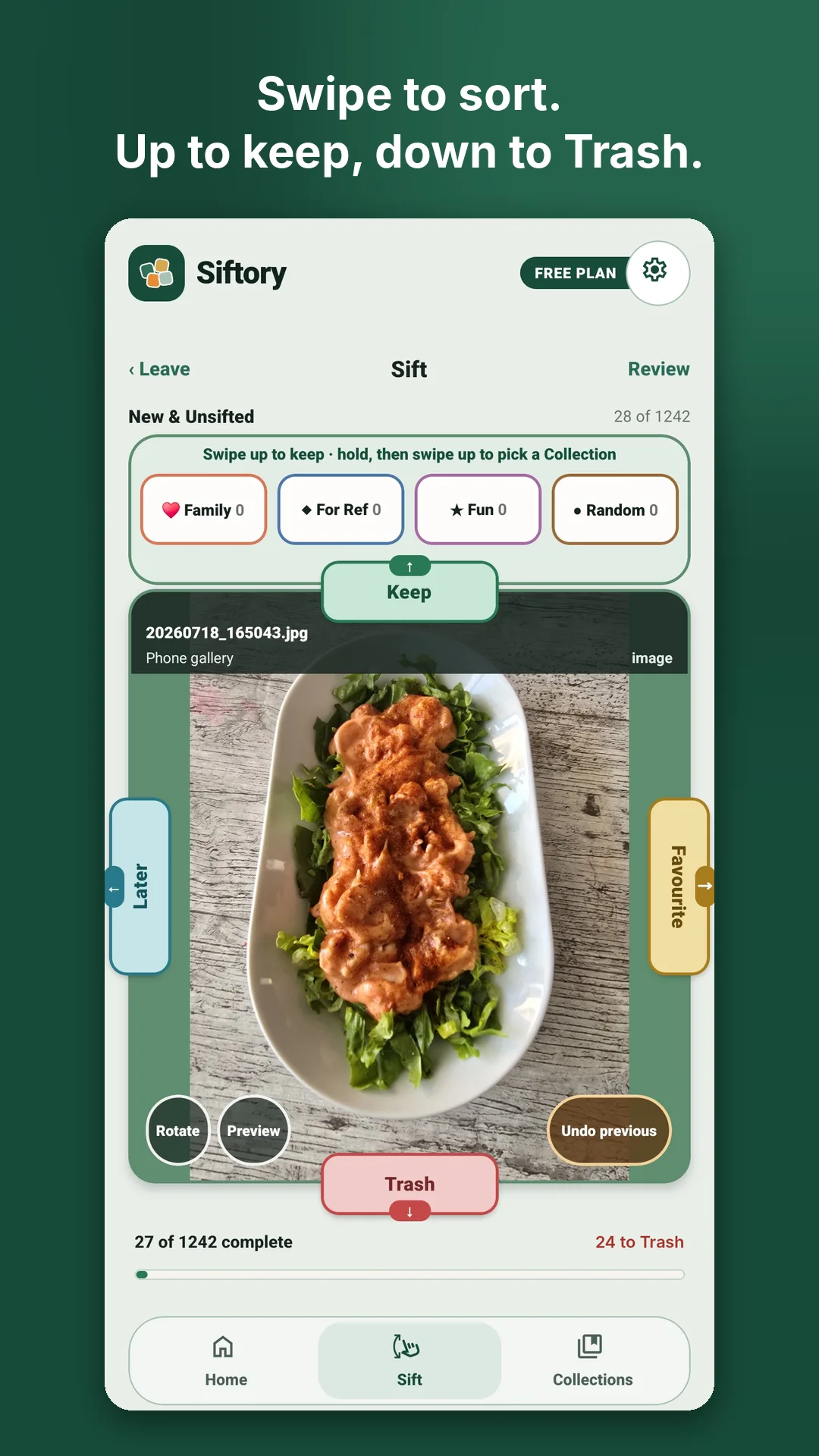
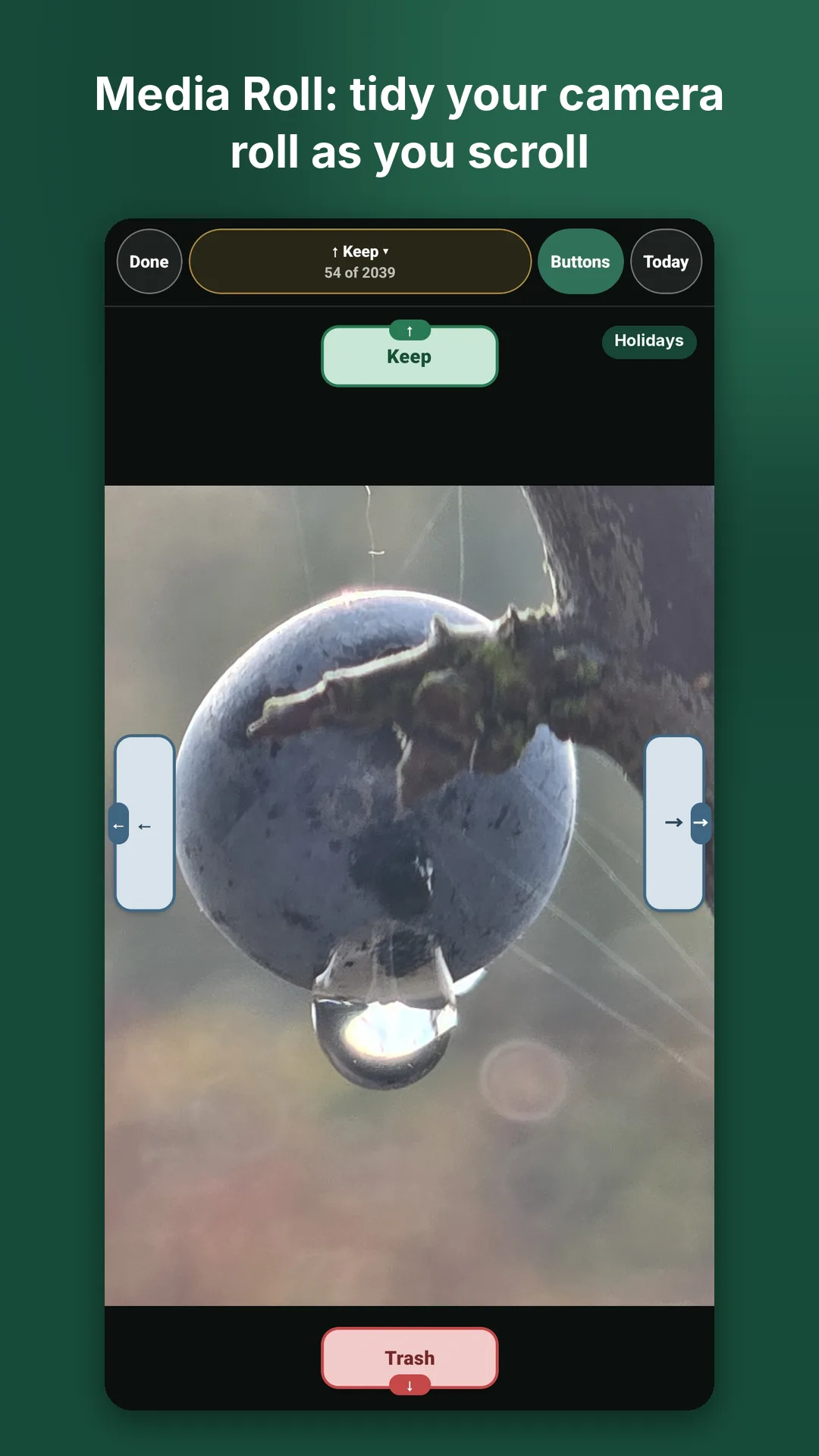
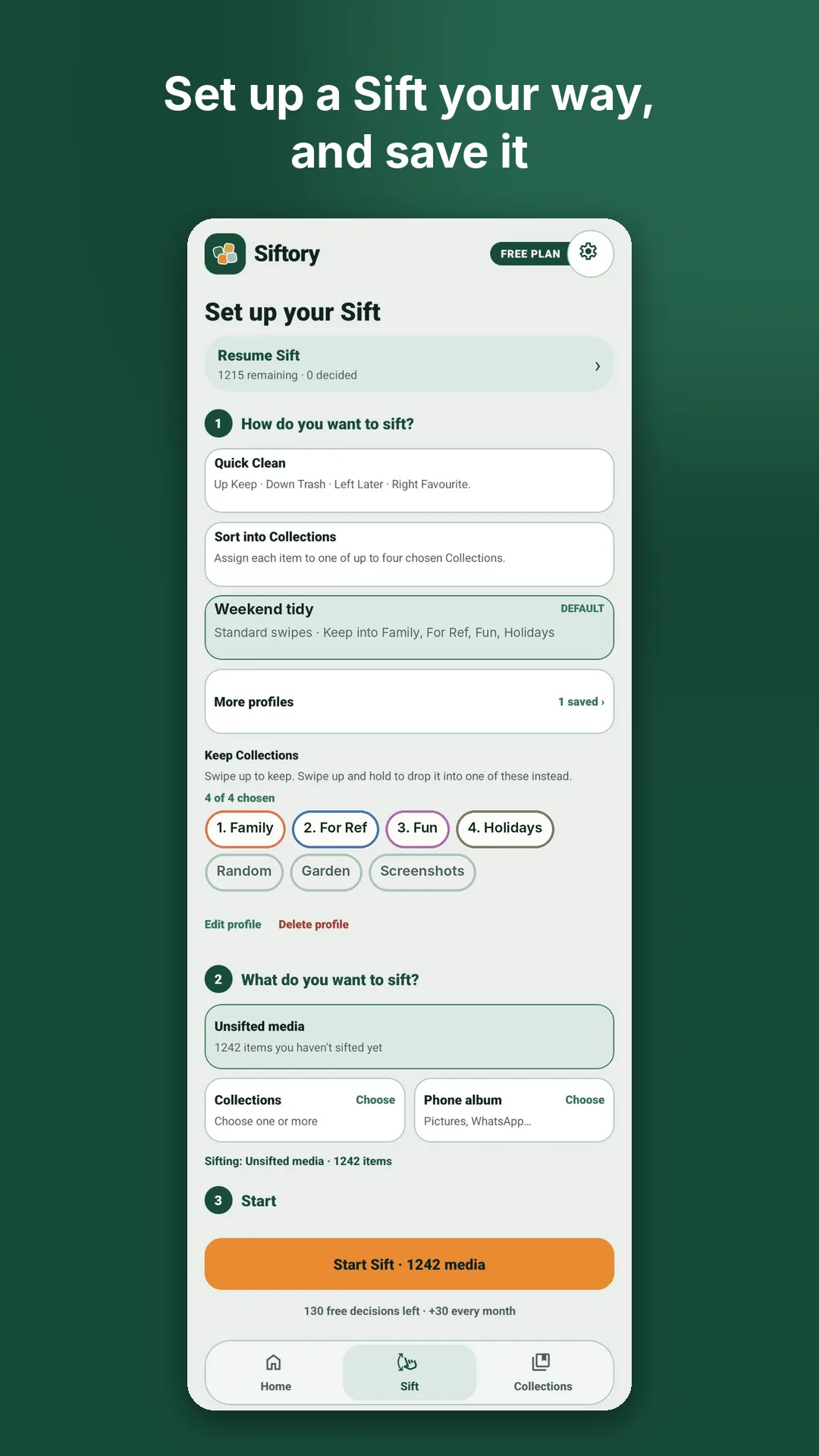
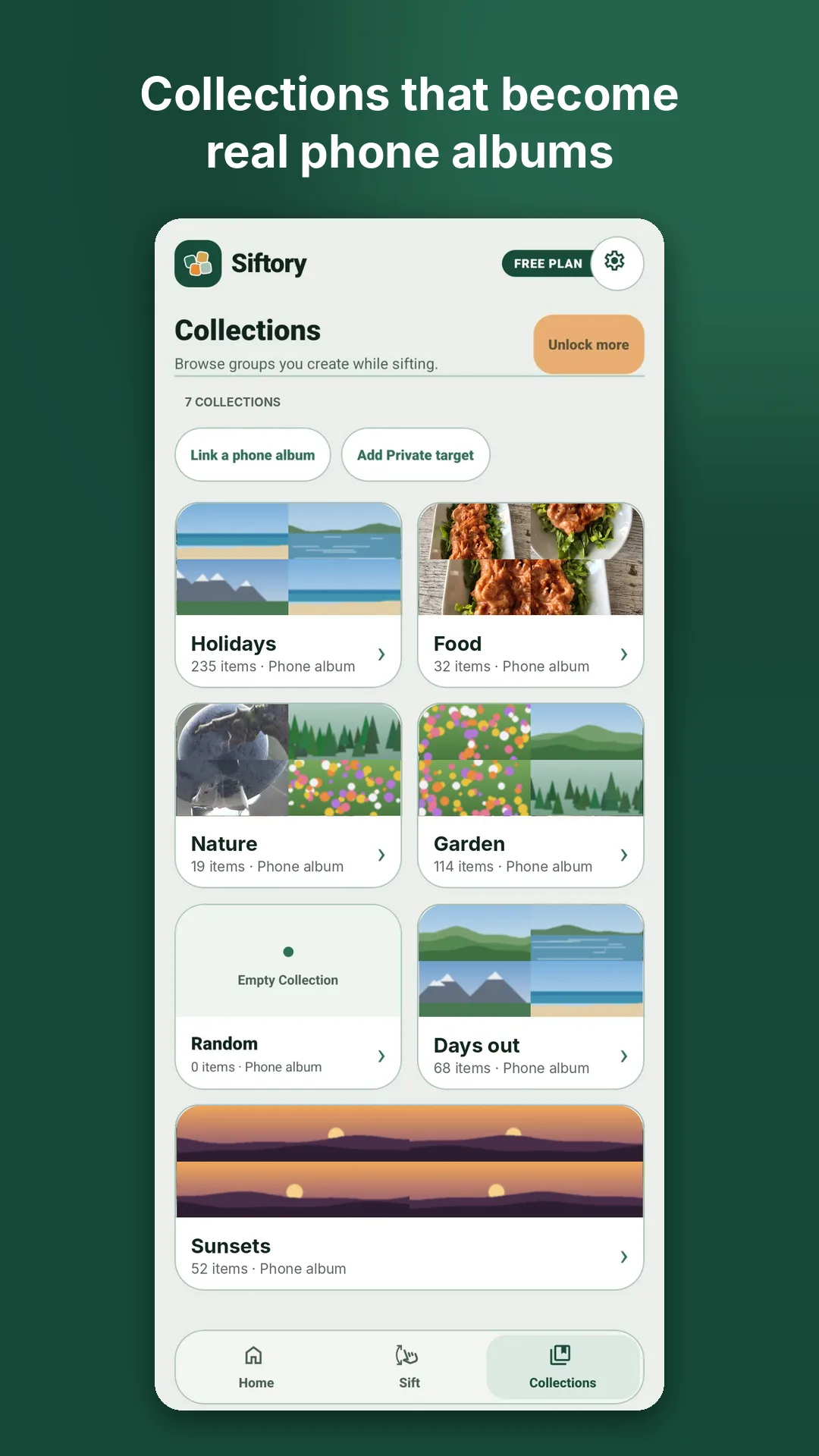
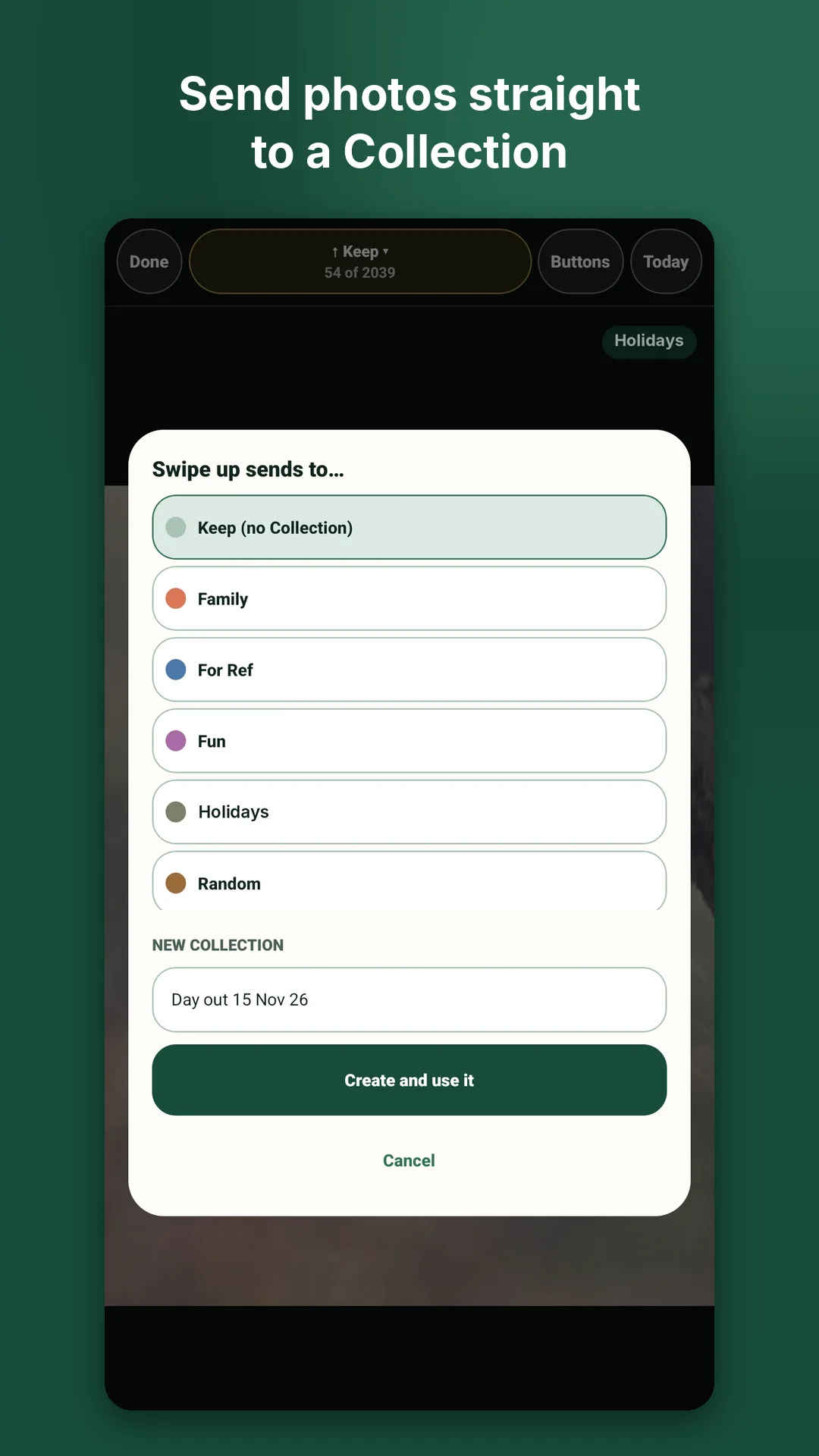
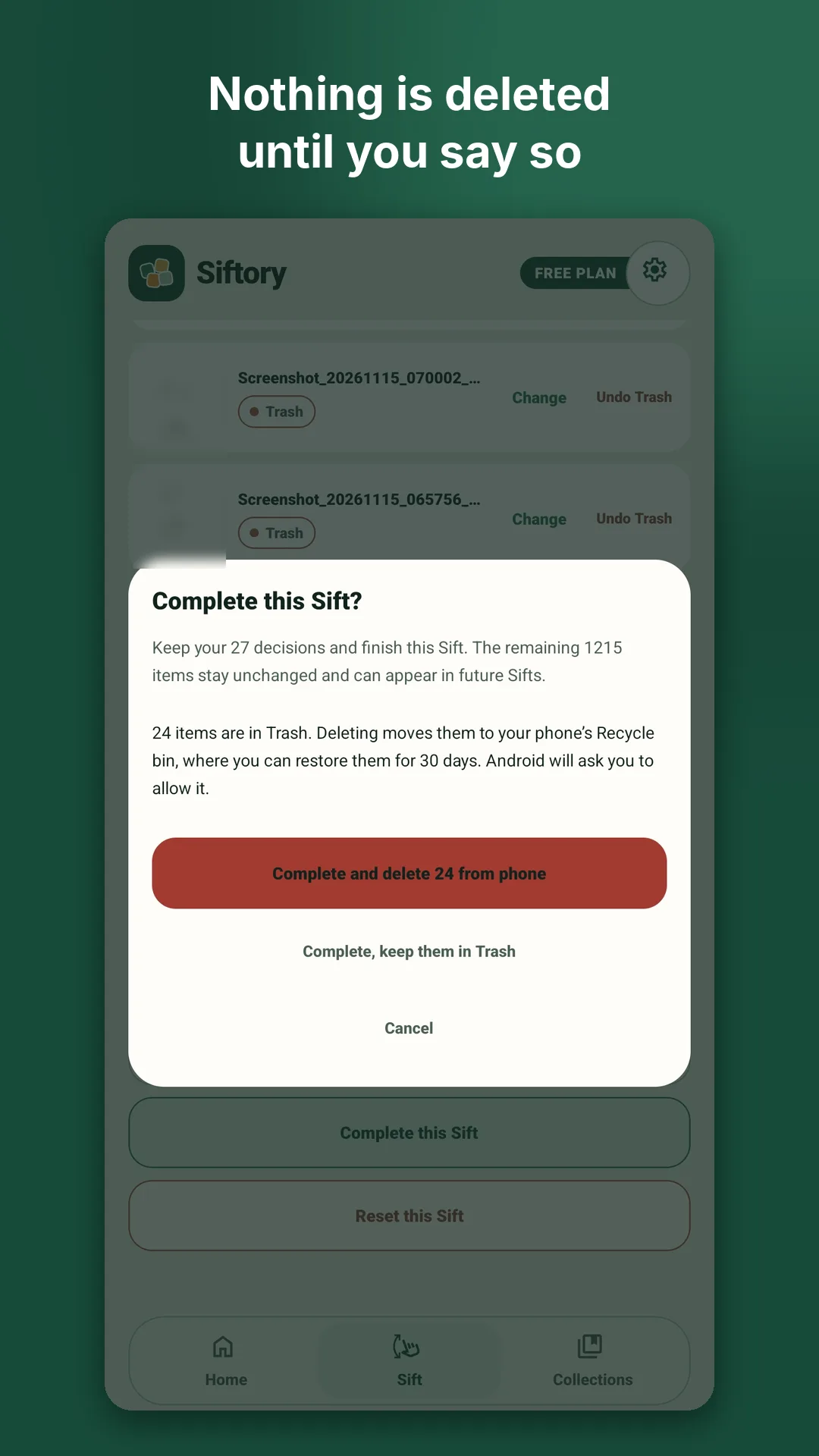
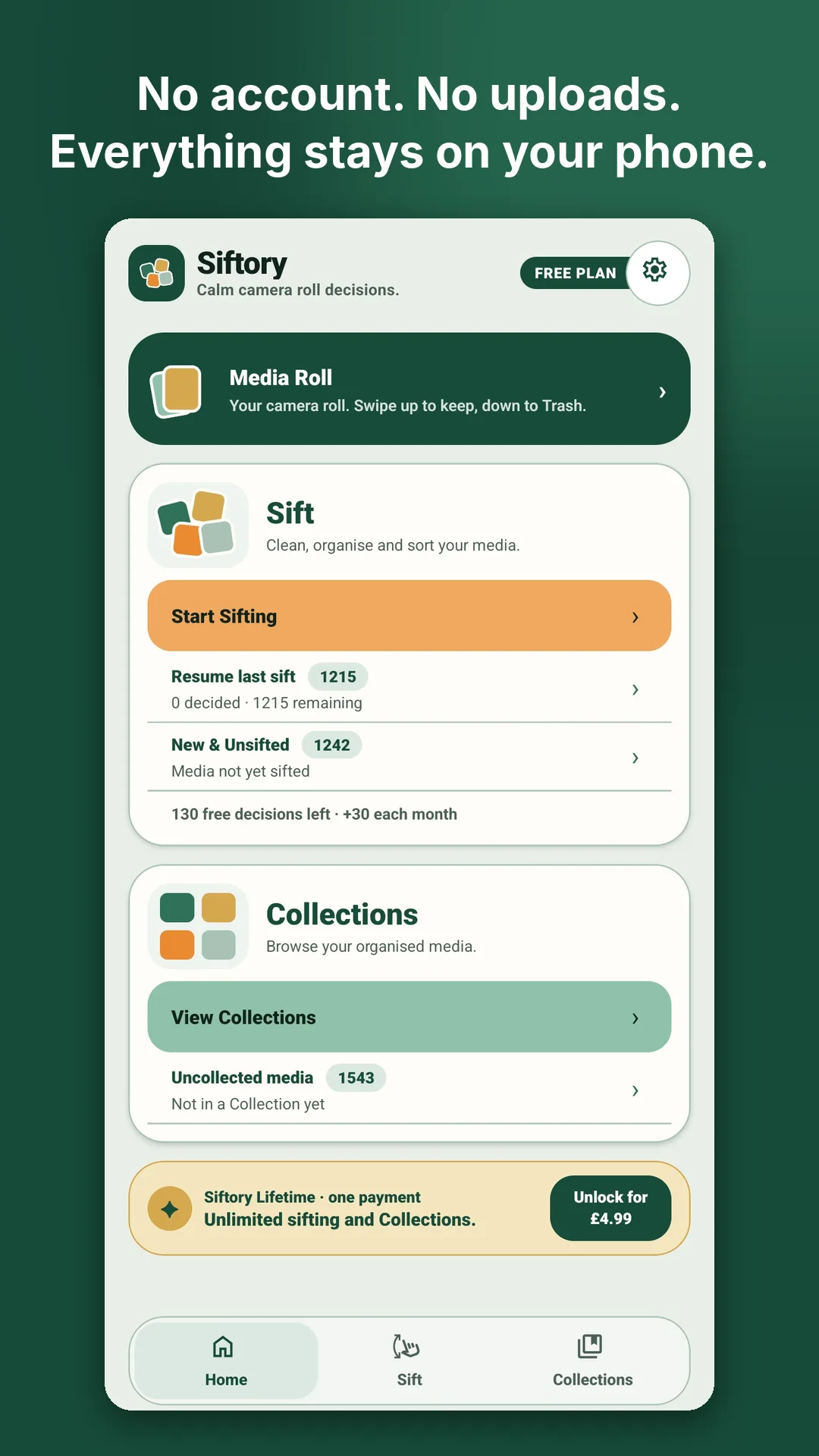
Try everything for free. If Siftory earns a place on your phone, unlock it for good.
£0
Free when Siftory launches on Google Play.
£4.99 one-off payment
Coming with launch on Google Play.
No subscription, no weekly plans and no free trial that turns into a bill.
Siftory is designed and built in the UK by an independent developer. Questions and feedback sent to info@siftoryapp.com go straight to the developer.
Siftory is being tested on real phones ahead of its Google Play launch. Want to try it early? Join the beta and we’ll send you an invite.
Join the betaNo. Swiping down only puts an item in Siftory’s Trash. Nothing on your phone changes until you review your decisions and tap Complete, and Android asks you to allow the change too.
They go to your phone’s Recycle bin (on Android 11 and later), where Android normally keeps them for around 30 days. Restore them from Trash › Recently deleted in Siftory, or from the Recycle bin in your Gallery app.
Later is for photos you’re not sure about yet. Nothing happens to them, and you can come back to them another time.
They can be. Link a Collection to a phone album and, when you complete a Sift, its photos are put into that album, so you’ll see it in your Gallery app. Collections you don’t link stay inside Siftory.
No and no. Everything happens on your phone, there’s no account to create, and Siftory has no servers that store your photos or videos. The privacy policy has the details.
The free version gives you 100 decisions to start, 30 more each month and up to 5 Collections. Siftory Lifetime is a one-off £4.99 payment for unlimited sifting and unlimited Collections. It will be available when Siftory launches on Google Play.
No. Lifetime is a single payment, not a subscription.
Not at the moment. Siftory is for Android phones.
More answers, and a guide to every screen, on the support page.
A few minutes is enough to see the difference. Siftory is coming soon to Google Play, and you can try it now in the beta.